Run every rental you own from one place.
Crestlet is rental management software for landlords and their tenants. Add your property, hand your tenant a unit code, and they are linked to the right door in seconds. The lease, the invoices, the payments and the deposit stay on the same record.
- Free plan for small landlords
- Tenants never pay
- Any country, any currency
- Data stored in the EU
Your properties
Sample data
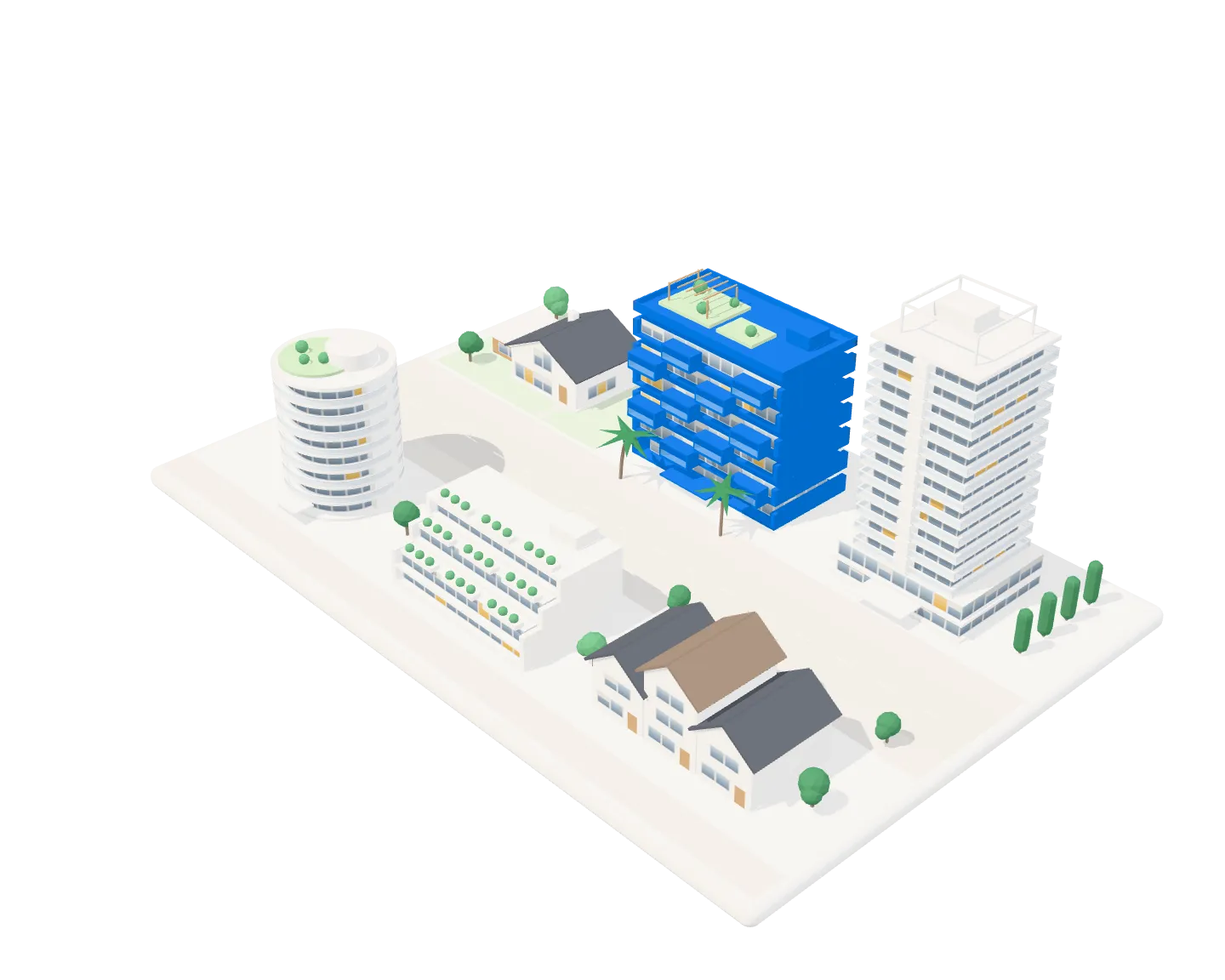
Drag to look around. Select a building to open it up.
17 of 20 units occupied85%
- Properties
- Units
- Access codes
- Tenants
- Leases
- Rent cycles
- Invoices
- Payments
- Move-outs
- Deposits
How it works: from empty unit to occupied in three steps.
1
Add your property
A standalone home is set up with its unit automatically. A building gets as many units as it has doors.
2
Share the unit code
Each unit has its own access code. Send it to your tenant, and change it whenever you like.
3
Your tenant joins
They sign in, enter the code, and are linked to that exact unit. Nothing to print, scan or chase.
For a single home, an apartment building or a whole portfolio.
Crestlet fits the property you have today and the ones you add later.
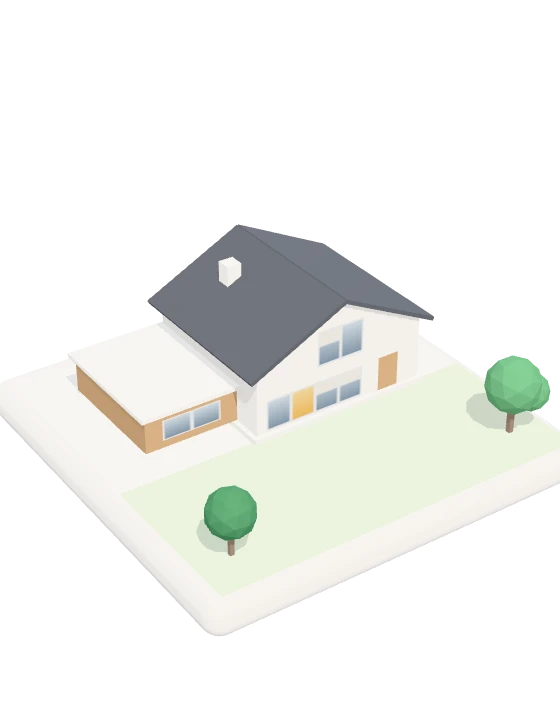
A single home
A house or villa is set up with its one unit automatically, ready for a tenant to join.
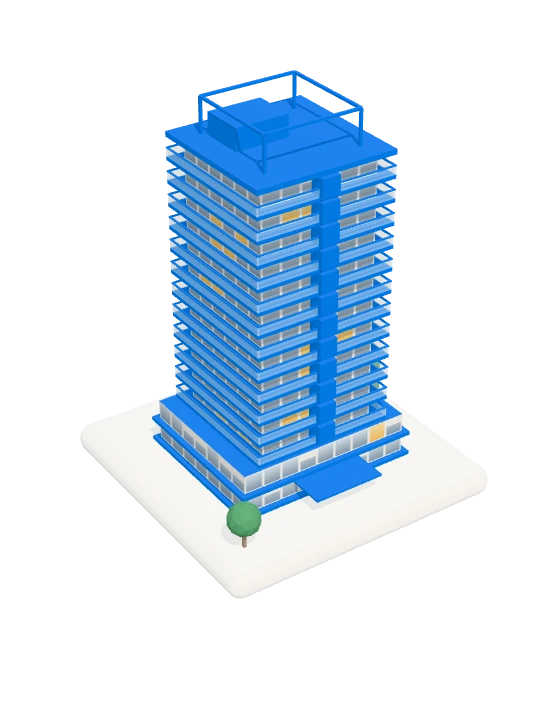
An apartment building
Add as many units as the building has doors. Each one gets its own access code.
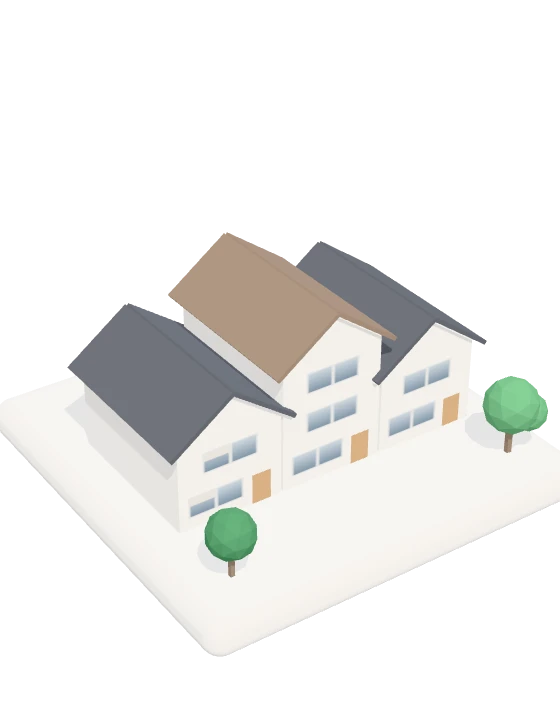
A whole portfolio
Keep every property under one account, each with its own units, tenants and records.
Properties, leases, invoices and deposits, already connected.
Properties and units
Keep every home, apartment and amenity you rent out in one organised view.
Unit access codes
Give each unit its own code. Share it, change it, and let tenants join on their own.
Leases
Draft the terms, then activate the lease when both sides are ready.
Monthly invoices
Rent and recurring charges are invoiced for you every month.
Payments
Record each payment against the invoice it settles, so the balance is never a guess.
Deposits
Close a tenancy with a clear settlement of the deposit at move-out.
For landlords and tenants: one shared record.
Every property you rent out, in one place.
Whether it is a single home or a whole building, it runs from the same screen.
- See every property, unit and amenity in one view
- Invite a tenant ahead of time, or let them join with a code
- Draft a lease and activate it when the terms are settled
- Have invoices raised for you every month
- Record each payment against the invoice it settles
- Settle the deposit cleanly at move-out
Know where you stand with your home.
Your lease, your invoices and your payments, without chasing anyone for them.
- Join your unit in seconds with its access code
- Keep your profile and contact details up to date
- Read the lease you agreed to, any time
- See every invoice and payment in one history
- Get a clear account of your deposit when you leave
Every stage of a tenancy, on one record.
Each stage picks up where the last one finished. Select a stage to see what happens there.
Stage 1 of 9
Add the home or building you rent out, with its address and amenities.
Every door gets its own record and its own access code.
Invite a tenant ahead of time, or let them join with the unit code.
Draft the terms, then activate the lease when both sides agree.
Rent and recurring charges repeat on a monthly schedule.
An invoice is raised for each cycle without anyone typing it up.
Record what was paid against the invoice it settles.
End the tenancy and free the unit for the next tenant.
Settle the deposit with a clear account of what was kept and why.
Free tools and guides for landlords.
Documents you can make in your browser without an account, and plain answers to the questions every tenancy raises.
Rent invoice generator
Fill in a rent invoice and print it or save it as a PDF. Free, no account.
Rent receipt generator
Make a rent receipt for a payment, or print a blank one to fill in by hand.
Deposit settlement statement
List the deductions from a security deposit and work out what is refunded.
Security deposit deductions
What a landlord can keep, what counts as wear and tear, and the rules in ten places.
How to track rent payments
What to record for each payment, a monthly routine, and the mistakes to avoid.
How to choose rental management software
What to look for, eleven tools compared side by side, and how to choose one.
Weighing up other software? See how Crestlet compares with TurboTenant, Landlord Studio, TenantCloud and Rentila.
Questions landlords and tenants ask first.
Is Crestlet a property listing site?
No. It is a management tool for homes that are already rented out. It does not advertise vacancies or find tenants for you.
How much does Crestlet cost?
Landlords choose a plan by the number of units they manage, starting with a free one, and tenants never pay. The plans are on the pricing page.
Which countries and currencies does it work in?
Any. A profile starts in the currency of its country and can be switched to any other, and phone numbers keep their country code. Crestlet is in ten languages, among them English, Spanish and French, and it does not check a lease against local tenancy law: the terms you enter are the terms it keeps.
Does Crestlet collect rent or hold money?
No. Crestlet does not take payments or hold money for anyone. Rent is paid the way the landlord and tenant already arrange, and Crestlet keeps the lease, the invoices and the deposit on one record.
Where is my data stored?
On servers in the European Union. Sign-in is handled by Google Firebase. The privacy policy has the details.
How does a tenant join a unit?
The landlord shares that unit’s access code. The tenant signs in, enters the code, and is linked to that unit.
What if a code reaches the wrong person?
Change it. Each unit’s code can be replaced at any time, and the unit gets a new one.
Can I manage a single house and an apartment building together?
Yes. A standalone home is set up with its one unit automatically, and a building can hold as many units as it has.
Can I add a tenant before they have signed up?
Yes. Add their details first. When they join with the unit code using the same phone number, the two records are matched.
Does it work on my phone?
Yes. Crestlet runs in the browser on phones, tablets and computers.
Set up your first property today.
Add it, share a unit code, and your tenant can join before the day is out.